Scaling Content Operations with Background Workflows
How small content teams can produce at enterprise volume by delegating research, drafting, and formatting to scheduled AI workflows.


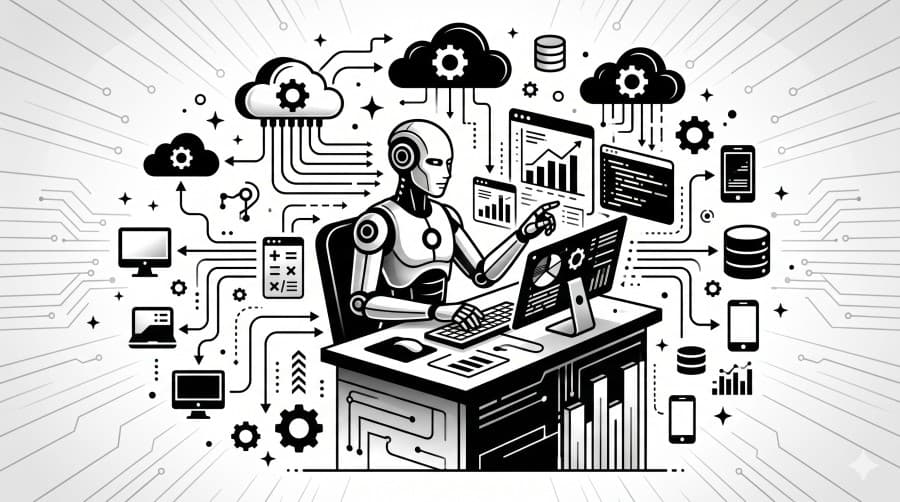
A solo content creator or a two-person marketing team has a fundamental constraint: there are only so many hours in a week. Research, drafting, formatting, scheduling — each piece of content takes time that compounds across channels and cadences.
Background workflows change the math. Instead of doing the work yourself, you define how the work should be done once, and let the agent repeat it as often as you need.
What Makes a Good Workflow Candidate
Not every content task is worth automating. The best candidates share three traits:
- Repeatable structure — the steps are the same every time, even if the inputs change (different topics, different weeks).
- Data-driven inputs — the content depends on something external: search results, competitor pages, trending topics.
- Defined output format — you know what "done" looks like before you start.
Weekly newsletter digests, competitor pricing reports, trend roundups, and social caption batches all qualify. Bespoke thought leadership pieces usually don't.
Designing for Repeatability
The key to a reliable workflow is making the plan fully static — no runtime variables, no "figure it out" instructions. The planner derives concrete values from the goal text at creation time.
A workflow created with the goal "Search for the top 5 AI stories this week and format them into a newsletter" produces a plan like:
web_search— "top AI stories May 2026"web_search— "most discussed AI news this week"generate_report— research summary of both searchesformat_post— newsletter edition (platform: Newsletter)
Each run of this workflow executes the same steps against fresh search results. The structure is stable; the content changes.
The Schedule Layer
Background workflows support cron schedules. A newsletter workflow set to every monday 08:00 runs automatically every week, pulling fresh data and producing a draft for human review — without anyone clicking a button.
A Monday morning workflow means a Tuesday morning newsletter. The draft is waiting in your approval queue before you've had your first coffee.
Common schedules for content teams:
| Cadence | Use case |
|---|---|
| Weekly | Newsletter digest, trend roundup |
| Bi-weekly | Competitor intelligence report |
| Monthly | Industry analysis, outreach list refresh |
| Daily | Social caption ideas, news monitoring |
The Approval Queue as Your Content Calendar
When workflows are on a schedule and every content step requires approval, your approval queue becomes your content calendar. Every item in the queue is a piece of ready-to-publish content waiting for a final human review.
This is the mental model shift: instead of managing a calendar of tasks to do, you manage a queue of drafts to review. The work is done; you're just the editor.
Measuring Output, Not Effort
The clearest sign that background workflows are working: your content output increases while your active time on content decreases.
Track two numbers:
- Drafts produced per week — total workflow runs that reached the approval stage
- Publish rate — percentage of approved drafts that actually get published
A high draft count with a low publish rate means the quality bar isn't set right. Adjust your prompts. A low draft count means you haven't built enough workflows yet. Both are actionable signals — and neither requires you to count hours.
More articles
How to Build Your First AI Agent Workflow
A practical guide to breaking down a high-level goal into a deterministic, step-by-step execution plan your agents can run reliably.
February 15, 2026
Human-in-the-Loop: Why Your AI Agents Need a Pause Button
Fully autonomous AI sounds appealing until something goes wrong. Here's how approval gates protect your brand, your users, and your data.
March 22, 2026